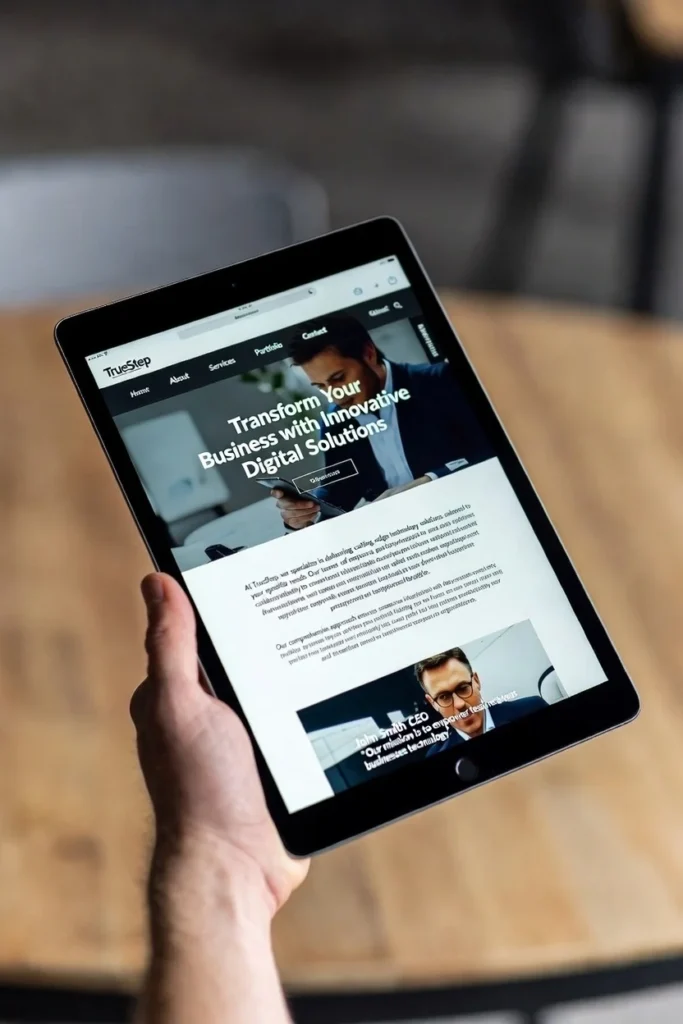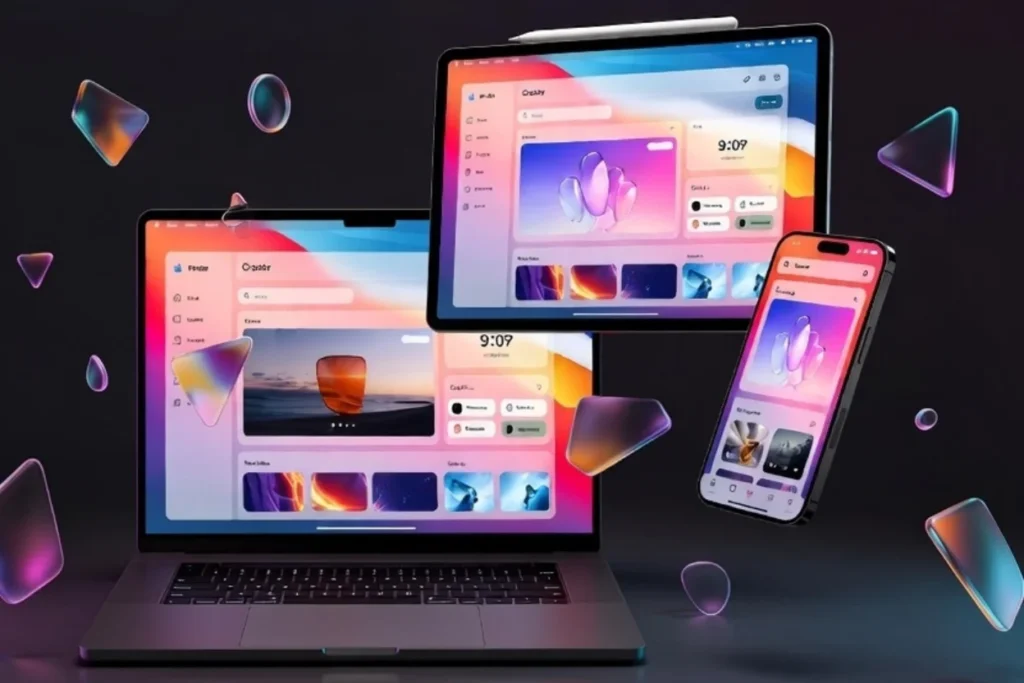
%
Clean Edges
(No UI Clutter)
(No UI Clutter)
px
Native Width
Device Viewports
Why can’t I just take a screenshot myself?
You can. But manual screenshots are messy.
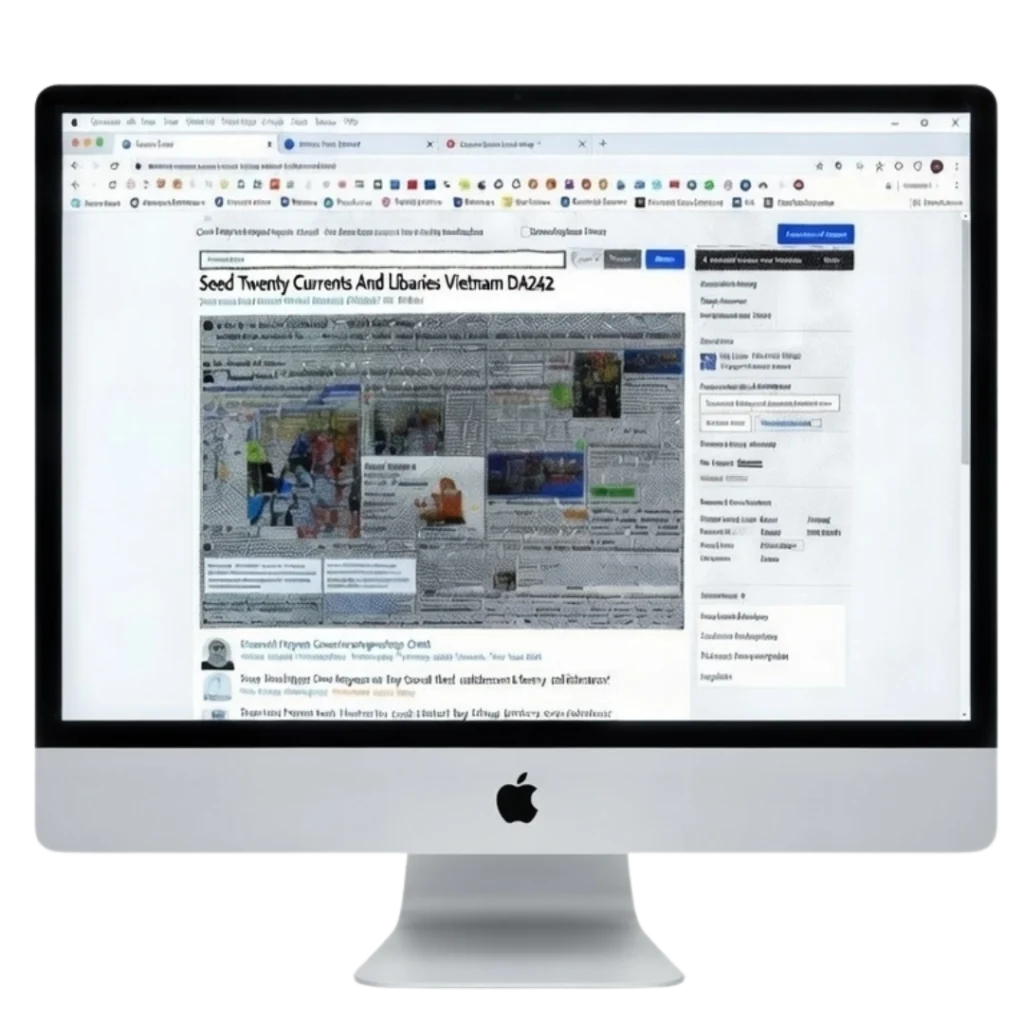
They capture your bookmarks bar, your scroll position, and your screen resolution limits.
TheHumbleTools Difference: We use a Headless Rendering Engine.
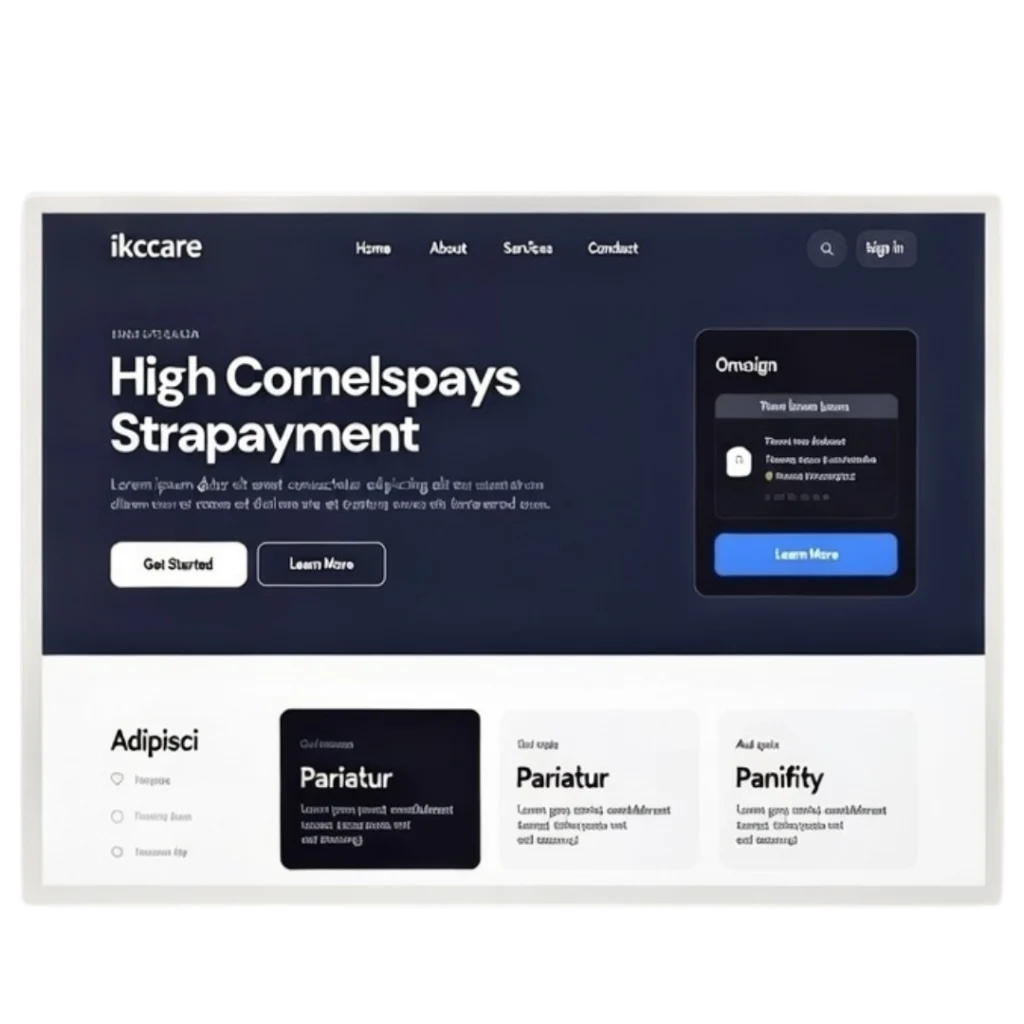
This means we visit the website using a virtual machine, load the assets fully, and capture the raw pixels.
- Zero Distortion: We don’t stretch images.
- True Responsive: We trigger actual mobile breakpoints, not just resized windows.
- Presentation Ready: The PNGs you download are ready to drop directly into your slide deck or portfolio.
The Old Way
The Humble Way
Here’s How It Works
From URL to Portfolio in 3 Clicks
Who is It For?
01.
02.
03.
TESTIMONIALS
Why Designers Switch to HumbleTools
“Finally, a mobile view that works.
I used to resize my browser to take ‘mobile’ screenshots, but the scaling was always off. This tool actually triggers the mobile breakpoints correctly. Essential for my portfolio.”
I used to resize my browser to take ‘mobile’ screenshots, but the scaling was always off. This tool actually triggers the mobile breakpoints correctly. Essential for my portfolio.”

UI/UX Designer
“Great for GitHub Documentation.
I need to attach ‘Before vs After’ screenshots to my Pull Requests. This is way faster than using a Chrome extension, and the image sizes are consistent every time.“
I need to attach ‘Before vs After’ screenshots to my Pull Requests. This is way faster than using a Chrome extension, and the image sizes are consistent every time.“

Frontend Developer
“Cleanest edges I’ve seen.
Most screenshot tools capture the scrollbar or cut off the footer. This engine renders the whole page cleanly. My client decks look so much more professional.“
Most screenshot tools capture the scrollbar or cut off the footer. This engine renders the whole page cleanly. My client decks look so much more professional.“

Product Manager